

How to use the Customer Portal
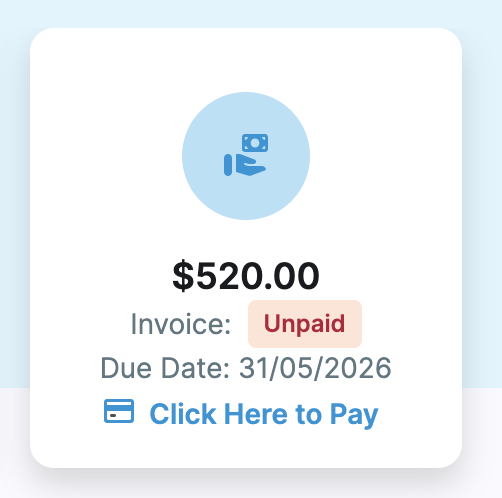
The Downtown Creative Studios Customer Portal is designed to provide a smooth and convenient experience for our families. Through the portal, you can view all upcoming classes you’re enrolled in, access and pay your invoices, and manage your payment preferences. You have the option to securely add your card details for direct debit, or pay your full term invoice at your convenience.
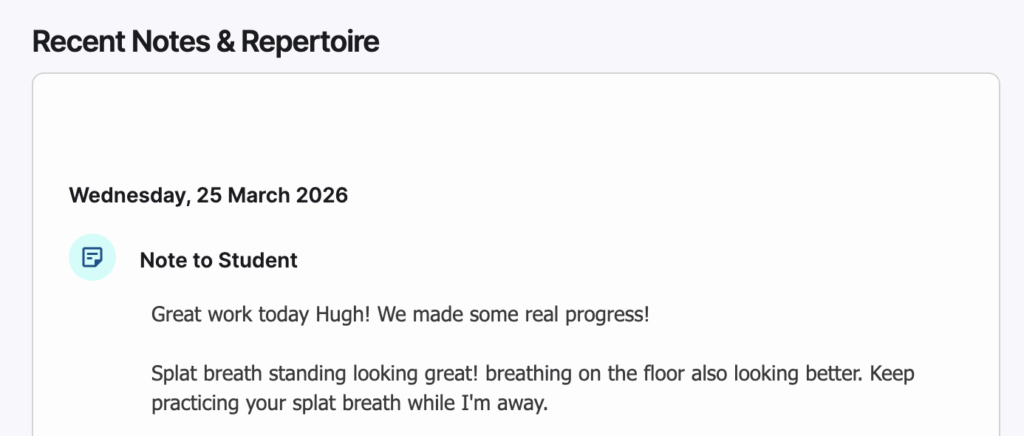
Teachers will also share lesson notes directly with you through the Customer Portal. These can be accessed from the home page and allow you to track your child’s progress, as well as stay up to date with what they should be practising each week.
You can also access studio resources and keep up to date on news and events. You can even use the portal to log your own practice and track your progress.
Create a profile in our Customer Portal, please click below and follow the prompts. Once you have filled out the enrolment form, you will be able to manage your scheduled classes and payments within your own individual family portal!
Click on the link below, which will take you to set up your Customer Portal.